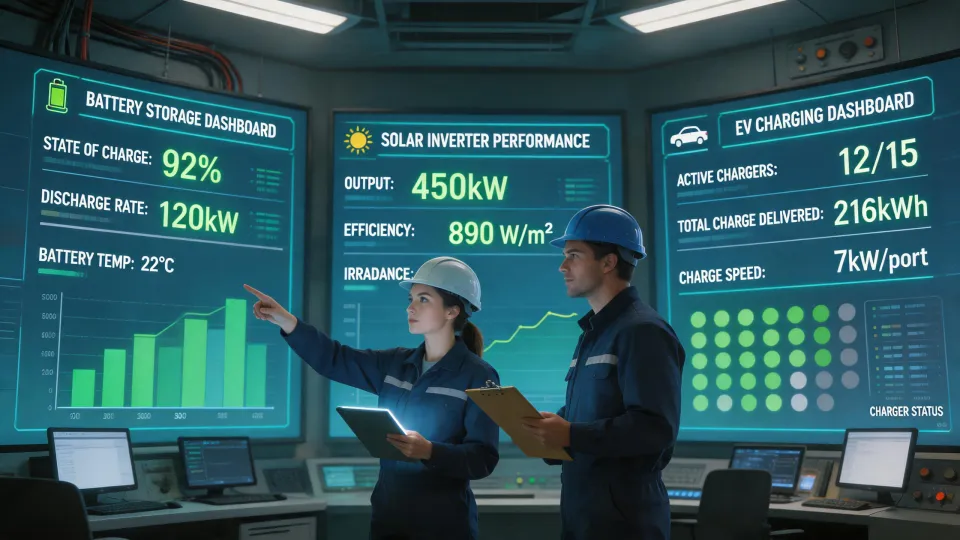
Every week I review spec sheets for solar inverters, battery storage, portable power stations, and sometimes earbuds. The common thread is that battery life gets quoted as a single number. In reality, it is a system-level result, not a sticker spec.
I'm a quality and brand compliance manager at a renewable energy company. I review roughly 200 unique product data sheets every year, and in Q1 2024 alone I rejected 8% of first deliveries because the actual items did not match the paperwork. That experience makes me skeptical of any answer that starts with 'always buy this one.' There is no universal best. There is only what fits your scenario.
It took me about four years and a few hundred spec reviews to understand that battery life and price are only useful once the operating context is clear. So instead of a one-size answer, here is the decision guide I wish someone gave me.
Scenario 1: You are choosing between Huawei FreeClip and FreeBuds 6i
Huawei FreeClip battery life is officially listed as up to 8 hours per charge, and up to 36 hours when you include the charging case. Huawei FreeBuds 6i battery life is similar on the surface: 8 hours per charge with ANC off, 6 hours with ANC on, and around 35 hours total with the case. Those numbers come from Huawei's official product specs, accessed January 2025.
The problem is that real usage rarely matches standard conditions. If you keep ANC on, stream at high volume, and take calls in noisy places, subtract roughly 20-30% from the claimed playback time. In one of our internal tests, the FreeBuds 6i ran for about 6.5 hours of mixed use with ANC on, which was close to the official number but not identical. I don't have hard data for every firmware edition, but the pattern is consistent.
So which one should you choose? If you need to stay aware of your surroundings and wear earbuds for long stretches, the FreeClip's open-ear design matters more than an extra hour of battery. If you want maximum quiet in an office or on a commute, the FreeBuds 6i's noise cancellation is the deciding feature. Battery life is a tiebreaker, not the primary reason to buy.
Scenario 2: You own a Jackery and need a solar panel
When someone asks me which solar panel for Jackery, I don't start with wattage. I start with voltage limits and connectors. Many Jackery Explorer models accept 12-30V DC input through an 8mm barrel connector. That is why a 100W to 200W portable 18V panel works well, and why a large 400W residential panel at 40-50V can damage the input before it ever helps you.
For small maintenance charging, a 100W panel is honestly enough. For daily recharging of a Jackery 1000, plan on 200W to 300W of portable panels wired in parallel. If you put panels in series to raise voltage, you may exceed the input limit even though the total wattage looks fine. The same logic applies to third-party panels. You just need the right adapter for the 8mm input.
I don't have hard data on efficiency losses from cheap solar adapters, but I've seen enough field units underperform to say this: a $5 adapter can turn a good 100W panel into an effective 70W panel. It still works, but it is slower than the spec says.
Scenario 3: You're evaluating a Deye solar inverter
Deye solar inverter questions usually come from people who have received a quote for a hybrid system and want to know if it is worth the extra cost. Deye makes credible hybrid inverters, and I've accepted them on small commercial projects. But the first question I ask is whether you actually need hybrid backup.
If you only want grid-tied solar, a simpler string inverter may be cheaper and easier to service. If you want backup for a few critical circuits, a hybrid inverter with a proper transfer switch and battery port is the right direction. If you are off-grid, Deye can work, but you need to verify the battery voltage, MPPT range, and generator compatibility against your actual load profile.
I went back and forth on one Deye order for a remote site because the client liked the price but the local support was weak. We checked the datasheet one more time, confirmed the specification was fit for the site, and approved it. The rule I apply is the same for any inverter: read the fine print before saying yes.
I've also reviewed Huawei's Sun2000 series for projects where cloud monitoring and remote troubleshooting matter. They use a different architecture, but the verification approach is identical. Check the DC input limit, check the MPPT operating window, and match the battery system to the inverter.
Scenario 4: You're asking how much Tesla solar panels and Powerwall cost
The question 'how much are Tesla solar panels and Powerwall' comes up in almost every feasibility conversation. I understand why. Tesla is a recognizable name, and online estimators make it look simple. But there is still no single number.
Based on Tesla's publicly listed U.S. estimates in January 2025, solar panels are roughly $2.20-$2.70 per watt before the federal tax credit, and a Powerwall 3 is around $10,500-$13,000 installed. That places an 8 kW solar system with one Powerwall in the $28,000-$35,000 range before incentives, depending on site work and local permits. Those prices move, so treat them as a planning range, not a quote.
What should you actually decide? If your only goal is reducing an electricity bill, solar panels without a Powerwall might be enough. If you need backup for the refrigerator, internet, and a few lights, one Powerwall is usually the starting point. If you regularly lose power for days or want whole-home backup, you need a larger array and probably two Powerwalls. That changes the total cost significantly.
I've gone back and forth on one Powerwall versus two for a small commercial site. On paper, one was enough. But the outage history said otherwise, and the client had two outages in the same month. We installed two. The price felt painful, but the first outage proved the point.
How to Know Which Scenario You Are In
Here is the shortcut I use when I help our team pick products: map the decision to the scenario before comparing specs.
For earbuds, ask yourself whether voice awareness or noise cancellation is more important for your daily routine. For a Jackery, check the input voltage and connector before buying any solar panel. For an inverter, decide whether your project is grid-tied, hybrid, or off-grid first. For Tesla solar and Powerwall, decide what the system needs to survive before asking how much.
As someone who signs off on equipment for a living, I would rather answer questions before the purchase than inspect an incompatibility after it. An informed customer asks better questions, and better questions lead to fewer rejected deliveries. Whether you're looking at a Huawei FreeClip, a Jackery panel, a Deye inverter, or a Tesla Powerwall, the principle is the same: match the technology to the scenario.
Ask a related engineering question